
Skip to content

Business solution

POS & Billing

A good point-of-sale system keeps queues moving and stock accurate. We build POS and billing software that fits your outlets, products and tax setup, connected to inventory and reporting.

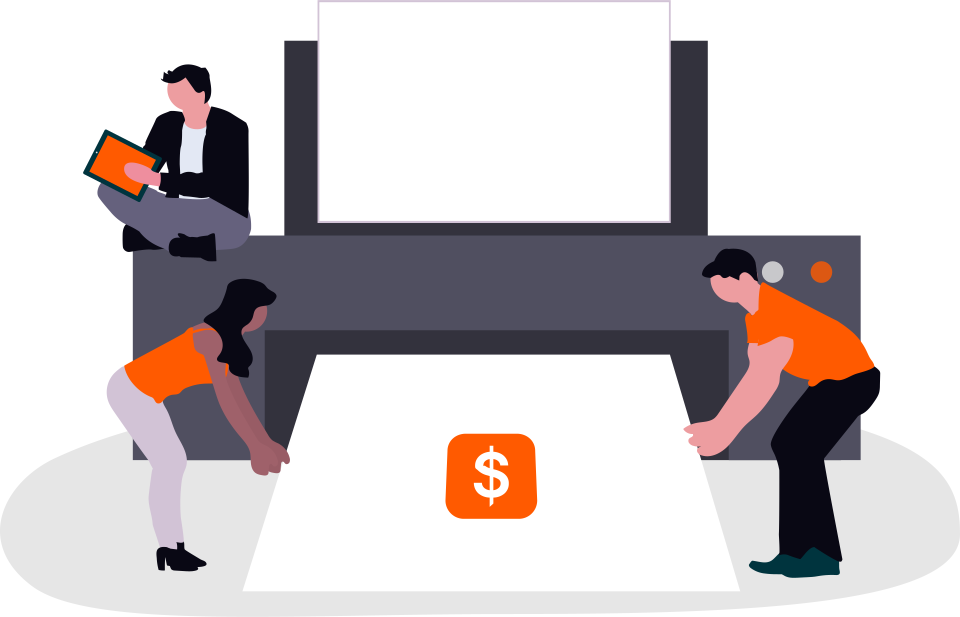
People printing and handling invoices and receipts

Who it’s for

Is this right for you?

  • Retail shops, pharmacies and showrooms
  • Businesses with several outlets
  • Retailers whose POS doesn’t talk to their stock or accounts

Operational problems it addresses

  • Slow billing during busy periods
  • Stock that doesn’t match sales
  • End-of-day reconciliation done by hand
  • No combined view across outlets

Configurable modules

Modules we scope to your needs

Each module is configured to your process. Your project includes only the modules agreed during scoping. This is not a fixed, pre-packaged product.

Sales & billing
Fast billing screens designed for your counter.
Barcode workflows
Scanning for sales, returns and stock checks.
Configurable taxes
Tax rates and rules set up to match your requirements.
Receipts
Printed or digital receipts with your details.
Returns & exchanges
Controlled returns linked to original sales.
Payment recording
Cash, card and other payment methods recorded per sale.
Stock updates
Stock adjusted automatically as items are sold or returned.
Multi-outlet reporting
Sales and stock reports per outlet and combined.

Workflows

How the work flows through the system.

Examples of workflows we typically configure. The exact steps, roles and approvals are agreed with you.

Counter sale

  1. Step 1: Items are scanned or searched; quantities and discounts applied within limits

  2. Step 2: Taxes are calculated using your configured rules

  3. Step 3: Payment is recorded (cash, card, or other methods you use)

  4. Step 4: A receipt is printed or sent digitally

  5. Step 5: Stock is reduced for the outlet immediately

Return or exchange

  1. Step 1: The original sale is found by receipt or barcode

  2. Step 2: Returned items and the reason are recorded

  3. Step 3: A refund, credit note or exchange is issued within your policy

  4. Step 4: Stock is adjusted and the return appears in reports

End of day

  1. Step 1: The cashier counts the drawer and records the totals

  2. Step 2: The system compares expected and counted amounts by payment method

  3. Step 3: Differences are flagged for a manager

  4. Step 4: Daily sales are available to head office

Implementation

How a project like this is delivered

We study your counter workflow and hardware (printers, scanners), build and test with real products, then pilot in one outlet before wider rollout.

Our general delivery process
  1. Phase 1: Counter and hardware review

    We check your billing flow, barcode formats, printers, scanners and card terminals so the screens match how cashiers work.

  2. Phase 2: Products, prices and taxes

    Item master data, price lists, discounts and tax rules are set up and checked against sample bills.

  3. Phase 3: Pilot outlet

    One outlet goes live first. We watch real usage and make adjustments before the rollout.

  4. Phase 4: Rollout and training

    Remaining outlets go live in a planned sequence, with short training sessions for cashiers and managers.

Integration & data

Connecting your existing tools and bringing your data across.

Integrations & customisation

POS can connect to inventory, e-commerce, accounting software, card terminals or payment providers where they support integration. Offline billing is not assumed: if you need it, it is scoped and tested as a specific requirement.

Data migration

Product lists, barcodes, prices and opening stock usually come from spreadsheets or an older POS export. We check them for duplicates, missing barcodes and price errors before import, and agree a stock count close to go-live.

Security & permissions

Access designed around roles.

  • Separate cashier, supervisor and manager roles
  • Discounts, price overrides, voids and refunds limited by role, with approval where required
  • Every bill, change and cancellation recorded with user and time
  • Cash drawer and end-of-day reconciliation by user
  • Tax rules configured to the requirements you provide. We do not claim tax certification; please confirm requirements with your tax adviser.

Operational benefits

  • Quicker checkout at the counter
  • Stock that stays in step with sales
  • Simpler daily reconciliation
  • Clear reporting across all outlets

After launch

Support for retail usually needs quick response during trading hours. We agree support times, how issues are reported, and how updates are rolled out without interrupting sales.

Scope, timeline & cost

What shapes the estimate.

We estimate after a short scoping conversation, so the figure reflects your requirements rather than a generic package. These are the factors that matter most.

Request a scoping call
  • Number of outlets and counters
  • Hardware to support: printers, scanners, scales, card terminals
  • Pricing rules, promotions and loyalty requirements
  • Whether offline billing is required (scoped and tested as a specific requirement, never assumed)
  • Integration with inventory, e-commerce or accounting
  • Product catalogue size and data quality

FAQ

Questions about POS & billing

Something else on your mind? Send us your question.

Will it work if the internet goes down?

Only if offline operation is specifically scoped. It affects the design and testing, so we discuss it explicitly rather than assume it.

Is the tax setup certified?

We configure tax rules to match the requirements you provide. We do not claim tax certification; please confirm requirements with your tax adviser.

Which printers and scanners are supported?

We confirm your hardware during scoping and test with it before launch.

Can head office see sales from all outlets?

Yes. Outlet and consolidated reports are a standard part of multi-outlet scope.

Can we run promotions such as buy-one-get-one?

Promotion rules can be scoped. We agree the exact rules you need, as each type affects billing logic and testing.

Planning a POS & billing project? Let’s talk it through

Tell us what you’re trying to achieve. We’ll reply with questions, ideas and sensible next steps.

Chat with AlignCoders on WhatsApp Call AlignCoders on +91 73387 68376

Quick enquiry

What can we help you build

Tick what you’re interested in and we’ll continue the conversation on WhatsApp. It takes ten seconds.

Services you’re interested in
Prefer email? Use the form